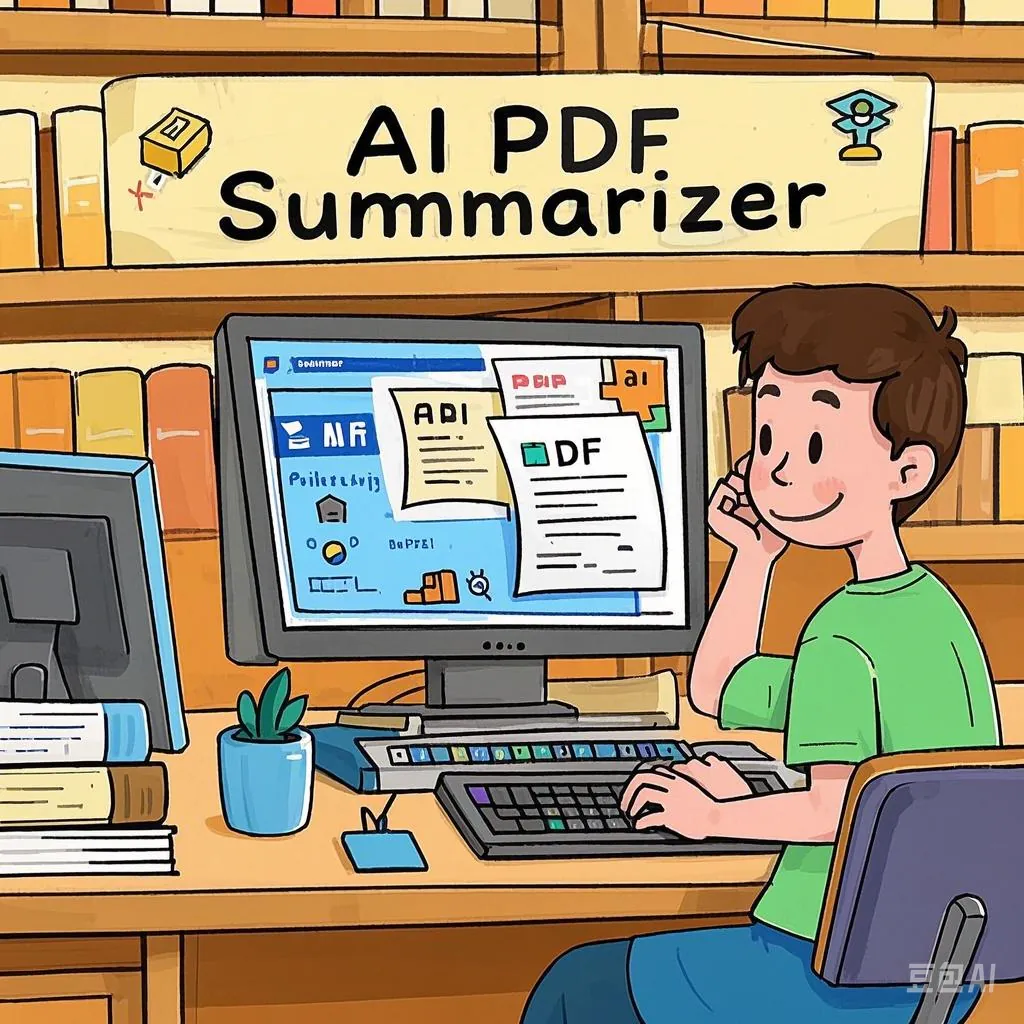
As we navigate 2026, the volume of digital information has reached an unprecedented scale. For professionals, students, and researchers, the ability to rapidly process and internalize long-form content is no longer a luxury—it is a necessity. AI-powered PDF readers and summarizers have revolutionized how we interact with text, distilling complex documents into actionable insights within seconds.
In this guide, we evaluate the top three AI tools leading the industry in 2026: iWeaver, NoteGPT, and SmallPDF, exploring their unique capabilities and how they can enhance your productivity.
| Tool Name | Available Platforms | Key Features | Supported Formats | Pricing (Est. Monthly) |
| iWeaver | Web Mobile | Advanced LLM Integration (Claude 4.6/GPT-5.2), Industry-specific customization, OCR, Multi-modal analysis. | PDF, Word, PPT, HTML, Image, Video, YouTube, Podcast, excel | Free: Limited use Pro: ~$9.90 Unlimited: ~$29.90 |
| NoteGPT | Web Chrome Extension | AI Mind Maps, Structured Note-taking, Video/PDF Summary, Flashcards. | PDF, YouTube, Video, Audio, Web Articles, PPT, Word | Pro: $9.99 Unlimited: $29.00 Max: $99.00 |
| SmallPDF | Web Desktop, iOS/Android | Chat with PDF, Digital Signatures, Compression, Conversion, Encryption. | Primarily PDF (Convertible to Word, Excel, PPT, JPG) | Basic: Free (2 tasks/day) Pro: $12.00 Team: $10.00/per seat |
iWeaver: Revolutionizing Document Summarization
iWeaver has established itself as one of the most comprehensive AI PDF readers and summarizers of 2026. By leveraging cutting-edge AI architectures, it goes beyond simple extraction to provide deep analysis of complex documents, making it an essential tool for high-stakes professional environments.
Core Features:
- Next-Gen Summarization Engines: iWeaver integrates advanced LLM models and OCR technology to parse document structures with precision. Users can toggle between models like Claude Opus 4.6 (renowned for rigorous reasoning), Gemini 3 Pro (highly creative and intuitive), and ChatGPT-5.2, ensuring summaries are tailored to specific analytical needs.
- Industry-Specific Customization: The platform allows users to adjust summarization formats based on their field. Whether you need a financial report analysis, research finding synthesis, meeting note distillation, or academic paper summary, iWeaver filters out the noise to focus on what matters.
- Universal Format Support: iWeaver is not limited to PDFs. It seamlessly processes Word documents, HTML, images, videos, YouTube links, and blogs. Furthermore, its batch processing capability allows you to synthesize information from multiple sources simultaneously.
- Robust Multilingual Capabilities: Designed for a globalized workforce, iWeaver supports high-accuracy summarization in English, Chinese, Spanish, French, German, and several other major languages.
Best For:
- Professionals requiring high-fidelity summaries of business whitepapers, financial statements, and complex data tables.
- International users managing multi-modal content across different languages.
NoteGPT: The Expert in Intelligent Summaries and Note-Taking
In 2026, NoteGPT has become the go-to solution for users who prioritize deep learning over quick skimming. It bridges the gap between reading and knowledge retention by merging AI summarization with a structured note-taking ecosystem.
Core Features:
- Integrated PDF & Video Summarization: NoteGPT excels at dual-mode learning, offering the ability to summarize both YouTube videos and PDF documents in a single, unified interface.
- AI-Generated Mind Maps: To enhance spatial and visual understanding, NoteGPT can automatically transform summaries into interactive mind maps, helping users visualize the logical connections between concepts.
- Smart Note-Taking System: Users can save specific insights directly from a summary to create structured notes, significantly streamlining the transition from reading to research.
- Seamless Browser Extension: With its powerful Chrome extension, NoteGPT allows you to summarize web-based PDFs and articles instantly without ever leaving your active tab.
Best For:
- Students and lifelong learners who need to organize complex thoughts into actionable study guides and notes.
- Researchers who require a visual breakdown of interconnected topics.
SmallPDF: Seamless Document Management with AI Interaction
SmallPDF, a long-standing leader in PDF management, has successfully integrated sophisticated AI to offer an effortless “all-in-one” document experience. It combines its world-class editing suite with an intuitive AI Chat interface.
Core Features:
- Interactive AI Chat & Summarizer: SmallPDF allows users to “Chat with PDF.” You can ask specific questions about a document or request a comprehensive summary in real-time, making information retrieval conversational.
- The Ultimate PDF Toolkit: Beyond AI, users have access to a full suite of tools, including compression, format conversion (e.g., PDF to Word), merging, e-signing, and file locking, all within the same ecosystem.
- Enterprise-Grade Security: SmallPDF prioritizes data integrity and privacy. It utilizes advanced end-to-end encryption to ensure that sensitive business contracts and legal documents remain confidential.
- Intuitive User Experience: Its clean, minimalist design is perfect for beginners or busy professionals who need immediate results without a steep learning curve.
Best For:
- Corporate professionals who need a secure, reliable tool that handles document editing, signing, and AI analysis in one place.
- Users looking for a fast, secure way to extract data from legal or business agreements.
Frequently Asked Questions (FAQ)
Q1: Can I use AI PDF summarizers for all types of PDFs?
Yes. Most modern AI tools can handle a wide range of PDFs, including scanned documents (via OCR), academic papers, technical manuals, and business reports.
Q2: What else can I do with an AI PDF summarizer?
These tools offer far more than just text shortening. iWeaver can handle multimodal content such as images, videos, and podcasts, and also provides basic PDF functions such as format conversion and merging; NoteGPT focuses on building study notes and mind maps; and SmallPDF serves as a complete document workstation for editing, signing, and securing files.
Q3: Is it safe to upload my documents to these AI tools?
Data security is paramount. We recommend reviewing the privacy policy of each tool. For highly sensitive data, it is best practice to anonymize or redact personal identifiable information (PII) before uploading. Tools like SmallPDF offer high-level encryption for added peace of mind.
Q4: Do these tools support formats other than PDF?
Yes. For instance, iWeaver AI supports Word, PowerPoint, HTML, YouTube videos, images, and even entire blog posts.
Q5: Do AI summarizers work for non-English documents?
Absolutely. Leading tools like iWeaver are designed with multilingual support, offering high-accuracy results for Chinese, European languages, and more.
Which AI Tool Is Right for You?
Choosing the right tool depends on your specific workflow in 2026:
- Choose iWeaver if you need the highest level of AI reasoning (Claude 4.6/GPT-5.2) and the ability to summarize diverse formats like videos and financial tables.
- Choose NoteGPT if you are a student or researcher focused on transforming content into structured notes and visual mind maps.
- Choose SmallPDF if you need a secure, all-in-one platform to edit, sign, and “chat” with your professional documents.