
0/5000
 Join Our Discord
Turn typed text into natural handwritten-style pages in seconds. iWeaver Text to Handwriting Converter helps you create printable notes, personal letters, cards, study materials, and creative handwriting designs from plain text.
Join Our DiscordShow how typed text becomes handwritten pages in seconds.
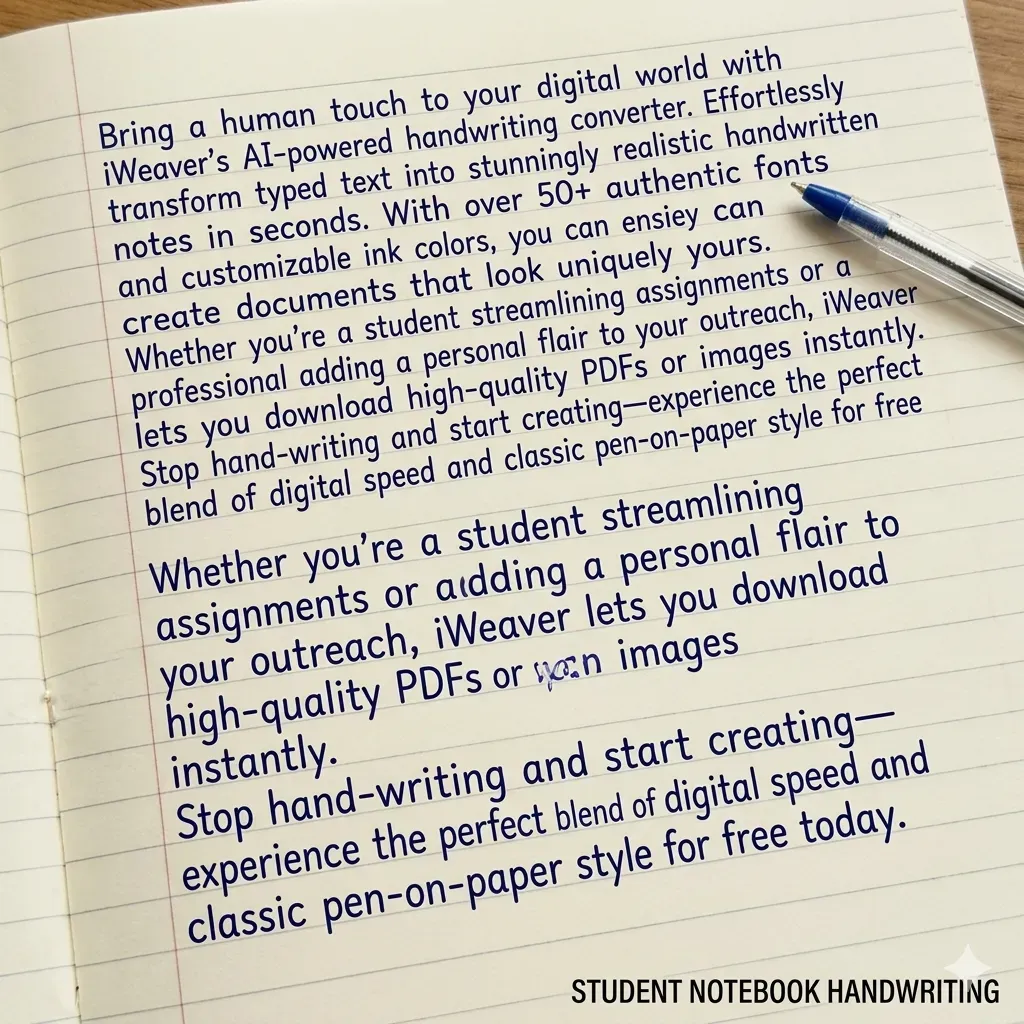
Authentic classroom style
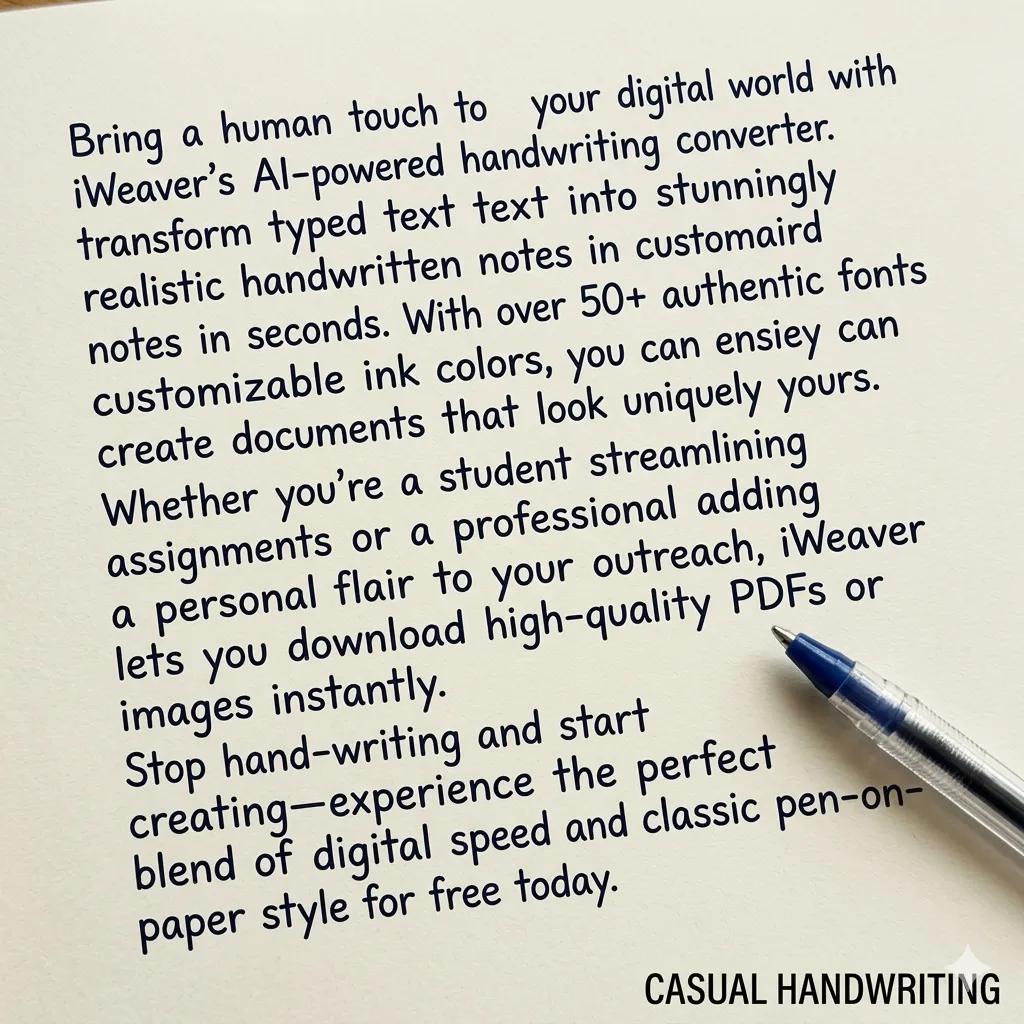
Natural and relaxed flow
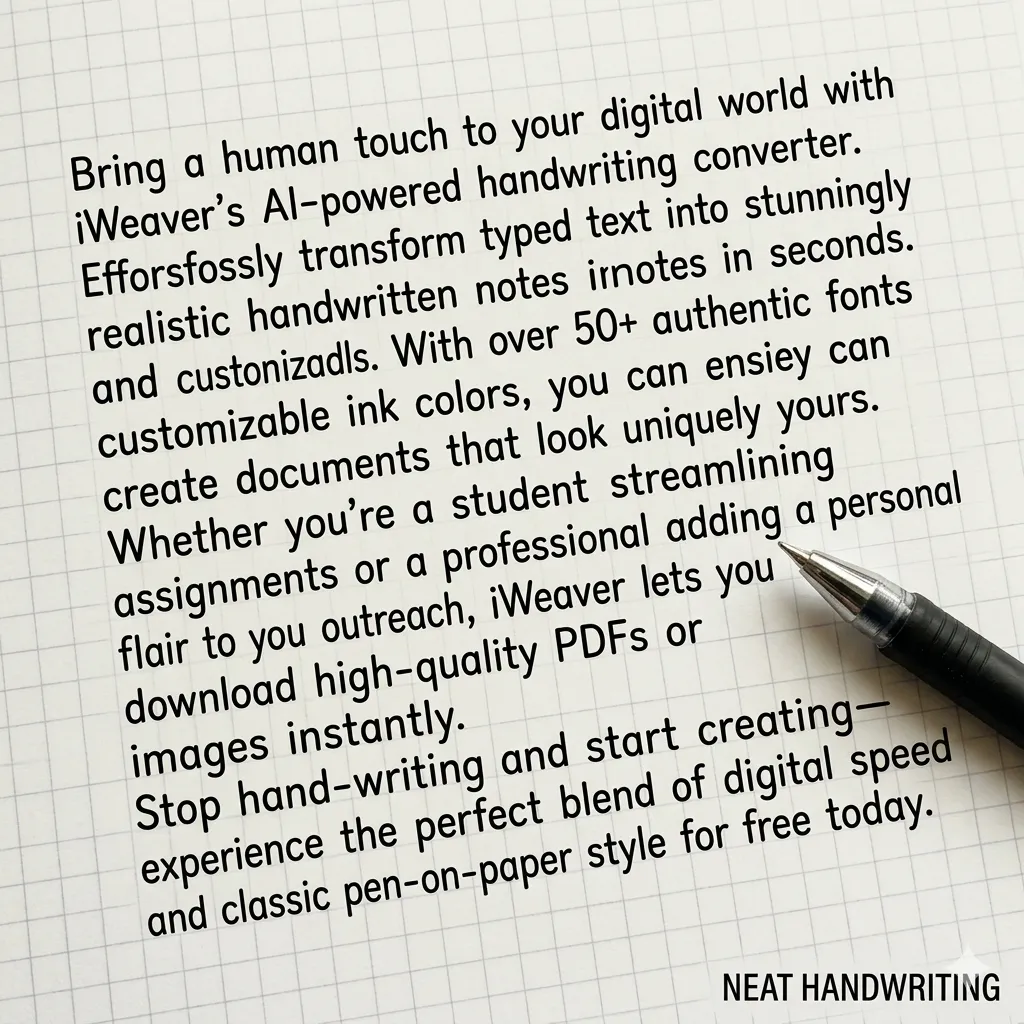
Perfect for assignments
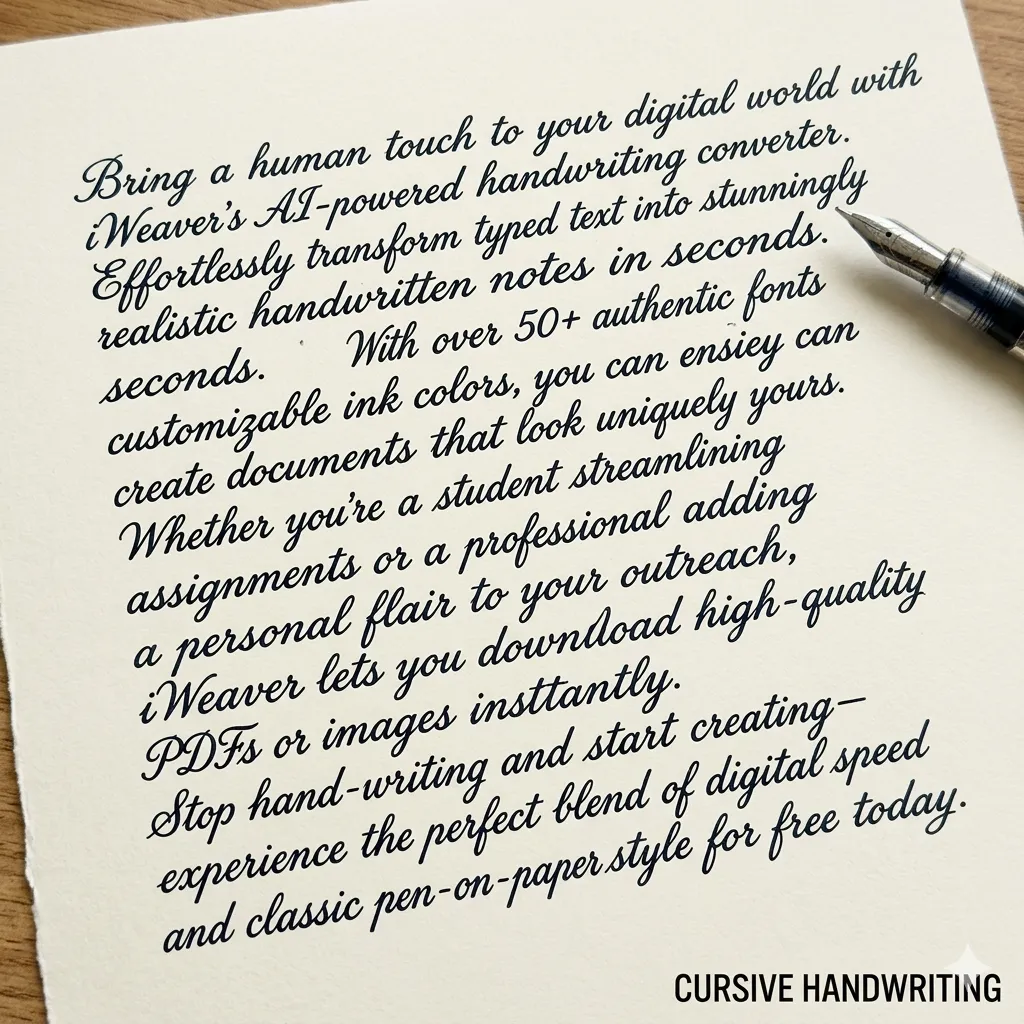
Elegant professional script
A text to handwriting converter transforms digital text into realistic handwritten output. With iWeaver, users can customize handwriting styles, spacing, and paper formats for notes, assignments, or creative projects.
These two tools work in opposite directions. One turns typed text into a handwritten-style page, while the other converts handwriting into editable digital text.
Text to handwriting converts typed words into a handwritten-style page. It is useful when you want notes, letters, or creative documents to look more personal.
Handwriting recognition does the opposite. It reads handwritten images or scanned notes and converts them into editable digital text.
Use iWeaver Text to Handwriting Converter when you want to create handwritten-style content. Use handwriting recognition or OCR tools when you want to extract text from handwritten or image-based documents.
To make AI-generated handwriting look more natural, try these tips:
These adjustments help create handwriting that looks closer to real human writing.
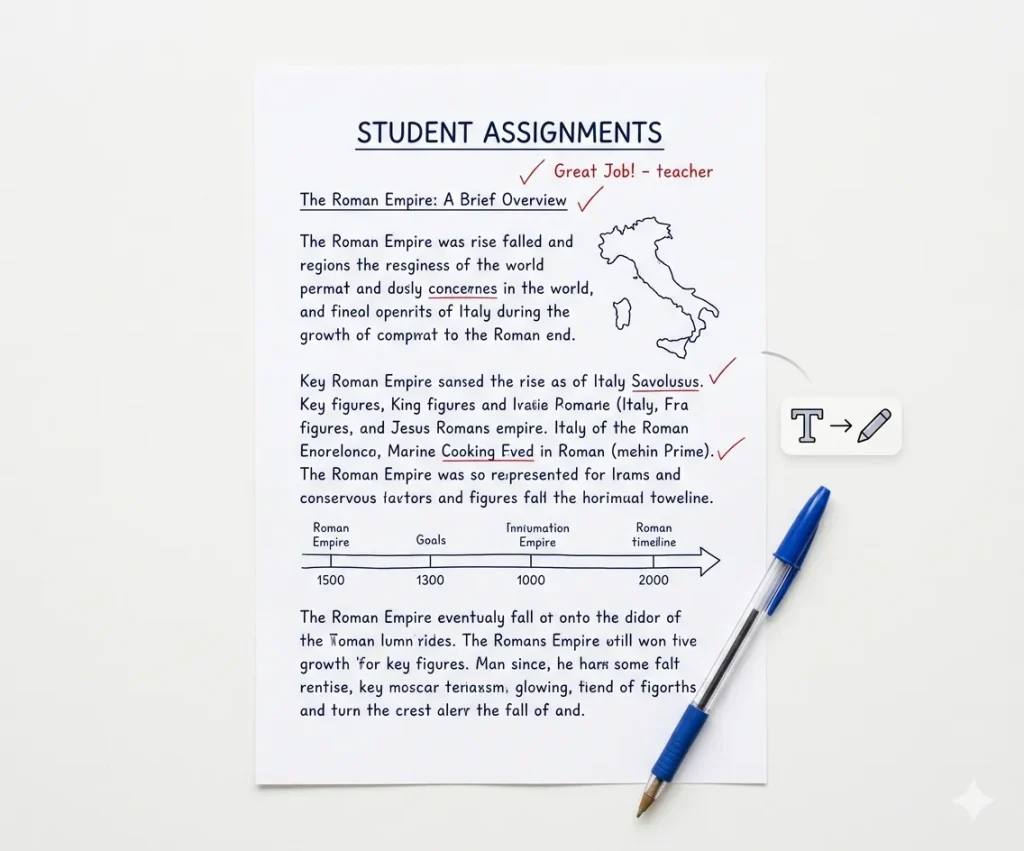
Convert typed essays or homework into realistic handwritten pages. This helps format assignments to match notebook-style submissions while saving time compared with writing long essays completely by hand.
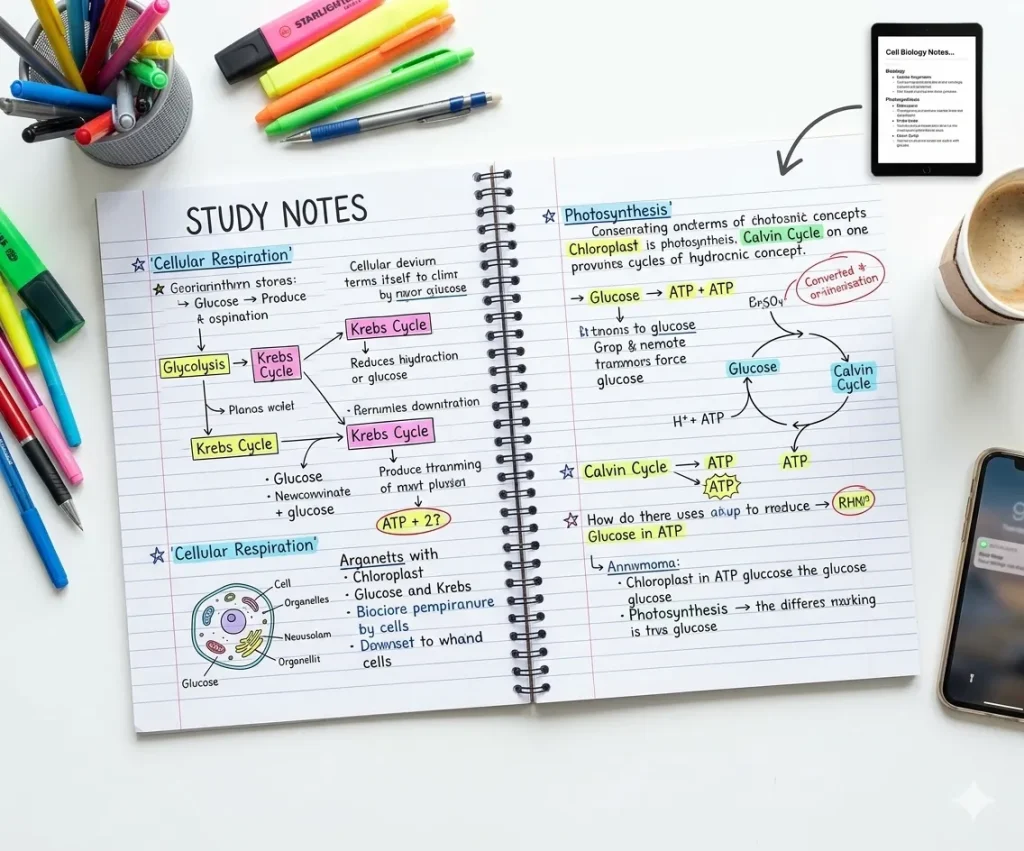
Turn lecture notes, summaries, or study materials into handwritten pages. Handwritten-style notes can improve readability and are useful for reviewing lessons, creating revision sheets, or organizing study content.
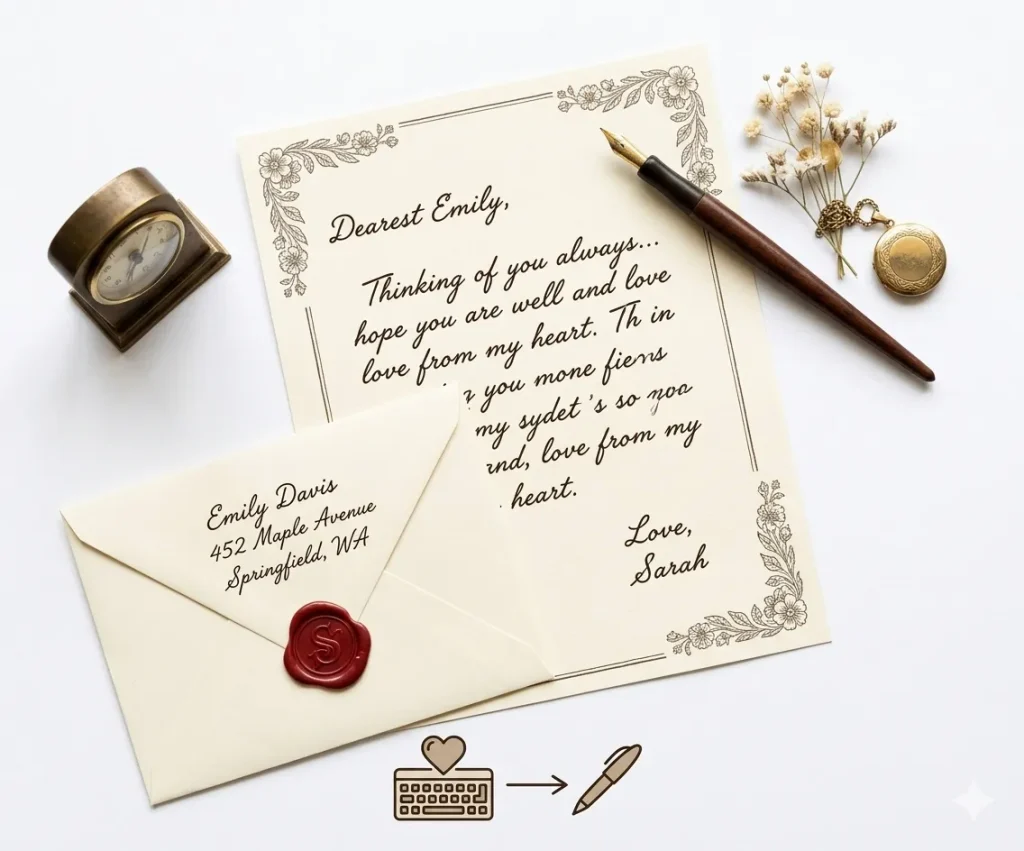
Generate handwritten letters or messages for a more personal touch. Ideal for invitations, thank-you notes, or short messages when you want text to look like natural handwriting.

Create handwritten text for posters, journals, scrapbooks, or design projects. Handwritten styles can add personality and a human feel to visual content and creative materials.
Different handwriting tasks require different paper formats.
| Paper Type | Best Use |
|---|---|
| Lined paper | School homework |
| Notebook paper | Lecture notes |
| Grid paper | Math problems |
| Blank paper | Letters or creative writing |
Selecting the correct paper background makes handwritten pages look more realistic.
iWeaver delivers natural handwriting styles with human-like stroke variations, avoiding repetitive or robotic patterns.
Choose from multiple handwriting fonts—from neat academic writing to casual personal notes.
Adjust margins, line spacing, and alignment to replicate real notebook or paper formats.
Select from lined paper, blank sheets, or custom backgrounds for different use cases.
Download files as high-quality PNG or PDF, optimized for printing or digital use.
Generate handwritten content in seconds, even for long text blocks or documents.
A text to handwriting converter turns typed text into a handwritten-style page. You can paste text, choose a handwriting style, preview the layout, and create notes, letters, cards, or printable pages.
Yes. Paste your typed notes into iWeaver Text to Handwriting Converter and generate a handwritten-style version for studying, printing, or creative use.
No. The tool creates handwriting-style output. It should not be used to imitate another person’s handwriting or create fake signatures.
You can use it for study notes, drafts, examples, and creative learning materials. If you are submitting work, follow your school’s rules and do not use the tool to misrepresent how the work was created.
Short notes, letters, cards, summaries, classroom examples, and journal-style text work best. Very long documents may need to be converted section by section.
The page should offer a downloadable or saveable handwritten-style output. Preview the result first to check spacing, line breaks, and readability.
Long paragraphs, narrow margins, or small spacing can make the page look crowded. Split your text into shorter sections and increase spacing if the tool supports layout controls.
Text to handwriting turns typed text into handwriting-style output. OCR reads text from images, scanned pages, or handwritten notes and turns it into editable digital text.
Summarize long PDF documents instantly with key insights and clear bullet points.
Transform messy ideas into structured notes, ready for sharing or studying.
An intelligent companion to help you master complex topics and prepare for exams.
iWeaver Text to Handwriting Converter is helpful for creating personal-looking content, but it should not be used to misrepresent identity, authorship, or official documents.
iWeaver Text to Handwriting Converter is best for:
Text to Handwriting Converter should not be used for:
Use iWeaver Text to Handwriting Converter for creative, educational, and personal design purposes — not for deception, identity use, or rule-breaking submissions.
Responsible Use: This handwriting converter is designed for educational and creative purposes.
Users should ensure generated handwriting complies with the policies of their school or organization.